I’m Lazy (but not Complacent)
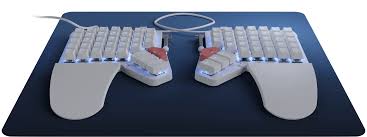
Before the holidays I spent a few weeks overhauling my development environment after giving Omarchy a shot and realizing what I was missing out on when it comes to Locking into the Flow StateTM. Now that I’m coming back to everything after a couple weeks of bumming around Thailand and not touching my computer, I’m quite chuffed with where I left things, and I figured I’d share my renewed appreciation with you, dear reader.
See, the thing you have to realize is that I’m just so fucking lazy. But “lazy good”, not “lazy bad”. In other words, I can’t be fuxked to have to remember how to configure my shell, multiplexer, editor, etc. every time I context switch, let alone setup a new machine. Instead, I’ve cobbled together a bunch of configs and terminal based tools so that I can bootstrap a new fully fledged AI equipped development environment on any system while expending as little time and effort as possible. That’s what real laziness looks like and what this post is really about: rejecting complacency and doing a ton of work so you can do less work so you can do more work! Confused? Great, keep reading.
The Catalyst⌗
I went down this rabbit hole and spent some time digesting typecraft videos like these and I realized that there’s nothing stopping me from making my development environment truly “mine”: optimized for the quality of life features that I care about.
I can go on and on about the pains of context switching and the absolute hellscape that is software development on Windows machines, but the long and short of it is that I want to do as much as I can from the terminal, and I want to look cool while doing it, ghatdemmit!
But really though, I can’t stand waiting for a GUI to load whenever I want to
open some files for quick editing, nor can I tolerate being tethered to
proprietary-yet-inferior tools that only work on MyMachine. No more, it’s
20256, let us leverage our laziness for great good!
The Stack⌗
Here’s a summary of the tools I’m using now:
| Tool | Choice |
|---|---|
| Editor | neovim + lazyvim |
| Shell | bash or (zsh + oh-my-zsh) + starship |
| Multiplexer | tmux |
| Dotfiles | stow |
| Fun | lazygit, lazydocker |
| Agent | any! (claude-code, codex, etc.) |
Getting Started⌗
Here’s how you can have a development environment that satisfies your lazy needs:
- Clone my dotfiles repo (well, really you probably want to fork and then clone your fork so you can customize but do what you want).
- Install Neovim
- Install Zsh + Oh-My-Zsh + Starship
- Install Tmux
- Install Stow
- Install any agent you want
stowmy neovim, tmux, and tmuxifier dotfiles (and any others you want)- Install tmux plugins with
<C-b> I(install) and<C-b> U(update)
Getting Stuff Done⌗
With tmuxifier s default you’ve got a text editor, an agent, and a terminal
open to the current working directory. Use Vim keybindings to move between
tmux panes. Give your agent some tasks. Search your workspace. You are
absolutely ready to rock. You’ll probably want to rename the tmux session to
something more descriptive and then feel free to detach/attach as needed. This
makes it super easy to pop between projects asynchronously. I won’t say this
eliminates the pain of context switching, but it certainly helps. It also
alleviates the tedium of splitting and setting up tmux panes in the way I like
on every new project. Laziness FTW. Also note that if your project calls for a
customized, nuanced tmux layout (e.g., HTTP server, tailing worker logs, CLI
pane, etc.), you can simply check your tmuxifier config into version control
and let others (including your agents!) use your optimized layout.
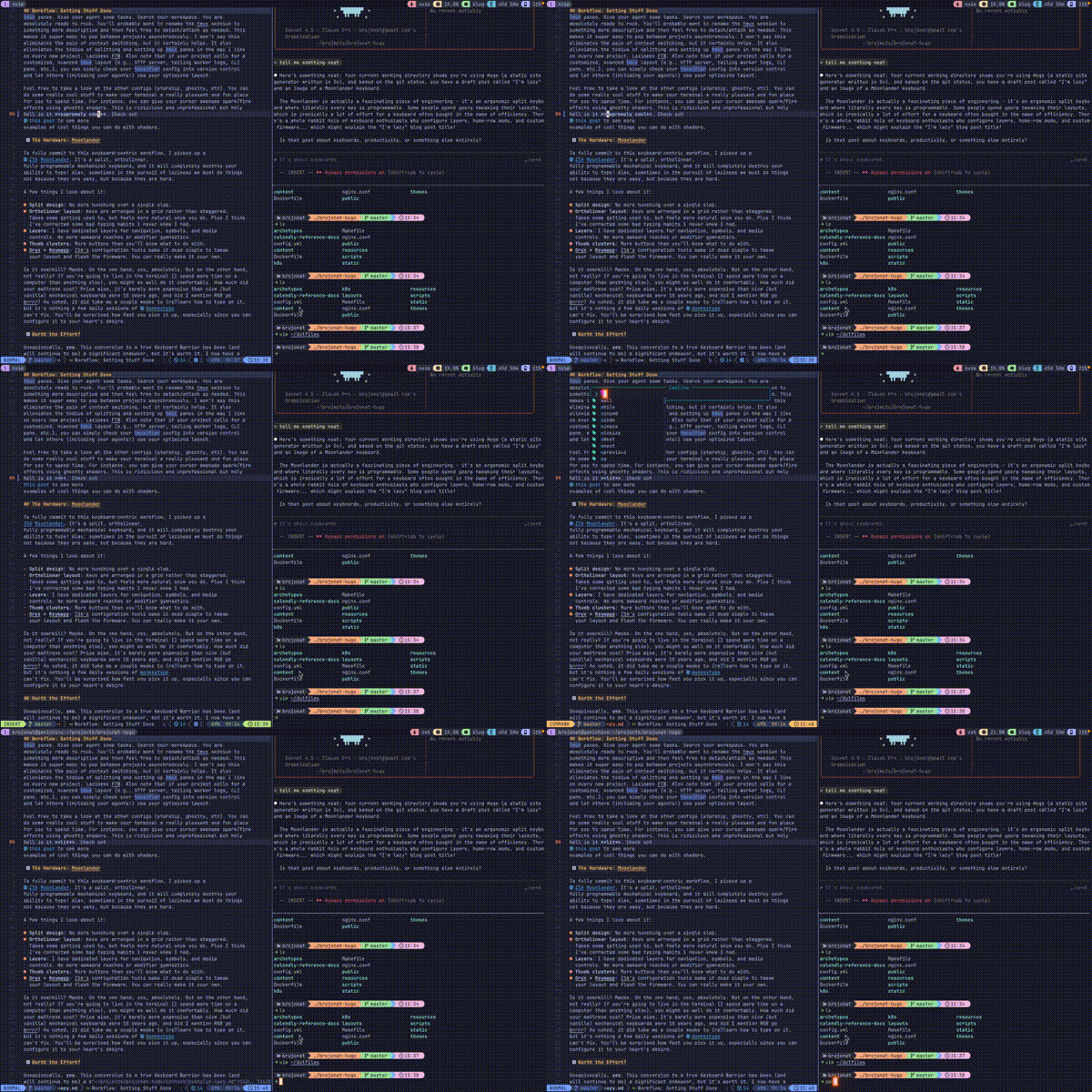
Feel free to take a look at the other configs (starship, ghostty, etc). You can do some really cool stuff to make your terminal a really pleasant and fun place for you to spend time. For instance, you can give your cursor awesome spark/fire effects using ghostty shaders. This is ridiculous and unprofessional but holy hell is it lit. Check out this post to see more examples of cool things you can do with shaders.
Getting Better⌗
To fully commit to this keyboard-centric workflow, I picked up a ZSA Moonlander. It’s a split, ortholinear, fully programmable mechanical keyboard, and it will completely destroy your ability to type! Alas, sometimes in the pursuit of laziness we must do things not because they are easy, but because they are hard.
A few things I love about it:
- Split design: No more hunching over a single slab.
- Ortholinear layout: Keys are arranged in a grid rather than staggered. Takes some getting used to, but feels more natural once you do. Plus I think I’ve corrected some bad typing habits I never knew I had.
- Layers: I have dedicated layers for navigation, symbols, and media controls. No more awkward reaches or modifier gymnastics.
- Thumb clusters: More buttons than you’ll know what to do with.
- Oryx + Keymapp: ZSA’s configuration tools make it dead simple to tweak your layout and flash the firmware. You can really make it your own.
Is it overkill? Maybe. On the one hand, yes, absolutely. But on the other hand, not really? If you’re going to live in the terminal (I spend more time on a computer than anything else), you might as well do it comfortably. How much did your mattress cost? Price wise, it’s barely more expensive than nice (but vanilla) mechanical keyboards were 10 years ago, and did I mention RGB go brrrr? As noted, it did take me a couple weeks to (re)learn how to type on it, but it’s nothing a few daily sessions of monkeytype can’t fix. You’ll be surprised how fast you pick it up, especially since you can configure it to your heart’s desire.
Worth the Effort?⌗
Unequivocally, yes. This conversion to a true Keyboard Warrior has been (and will continue to be) a significant endeavor, but it’s worth it. I now have a development environment that is tailored to my unique needs and I can get things done much faster. What’s more important though, is that it’s fun to use. Don’t sell this short! I’m way more motivated to tackle a new project or test out some new technology when it’s more fun, and it really can be genuine fun if you spend some time optimizing your tools for you. In other words, don’t be afraid of doing a little work to be lazy.
Comments
Loading comments...